
Advance Excel Course in Noida - Master Excel with Bits and Bytes Automation
Welcome to Bits and Bytes Automation - Your Gateway to Advanced Excel Training Institute Mastery!
Unlock the full potential of Microsoft Excel with our advance excel course in noida! At Bits and Bytes Automation, we bring you a comprehensive program designed to transform your Excel skills. Dive into advanced features, automation using VBA, and master data analysis techniques. Our expert trainers, well-versed in the intricacies of Excel, guide you through practical applications and real-world scenarios.
About Our Advance Excel Training Institute in Noida
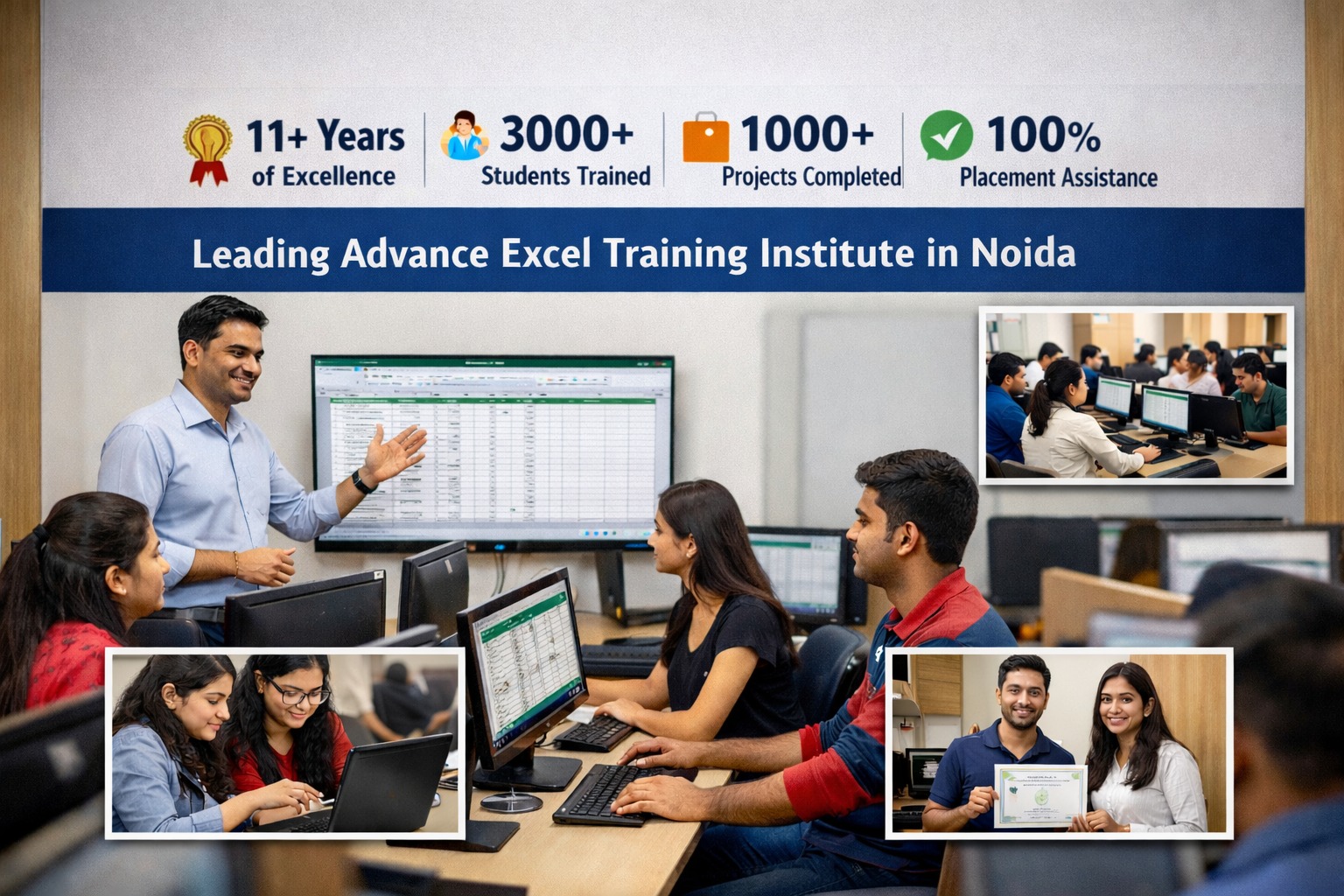
Institute Introduction & Experience
Bits and Bytes Automation is a well-established Advance Excel Training Institute in Noida with more than 11+ years of industry experience. We provide professional and job-oriented Advance Excel training designed to meet current corporate requirements. Our structured training approach helps students and working professionals build strong practical Excel skills with confidence.
Students, Projects & Course Coverage
Bits and Bytes Automation has successfully trained 3000+ students and delivered 1000+ real-time Excel projects over the years. Our Advance Excel course covers complete Excel fundamentals to advanced concepts aligned with current industry needs. This practical course structure ensures learners gain hands-on experience and job-ready Excel skills.
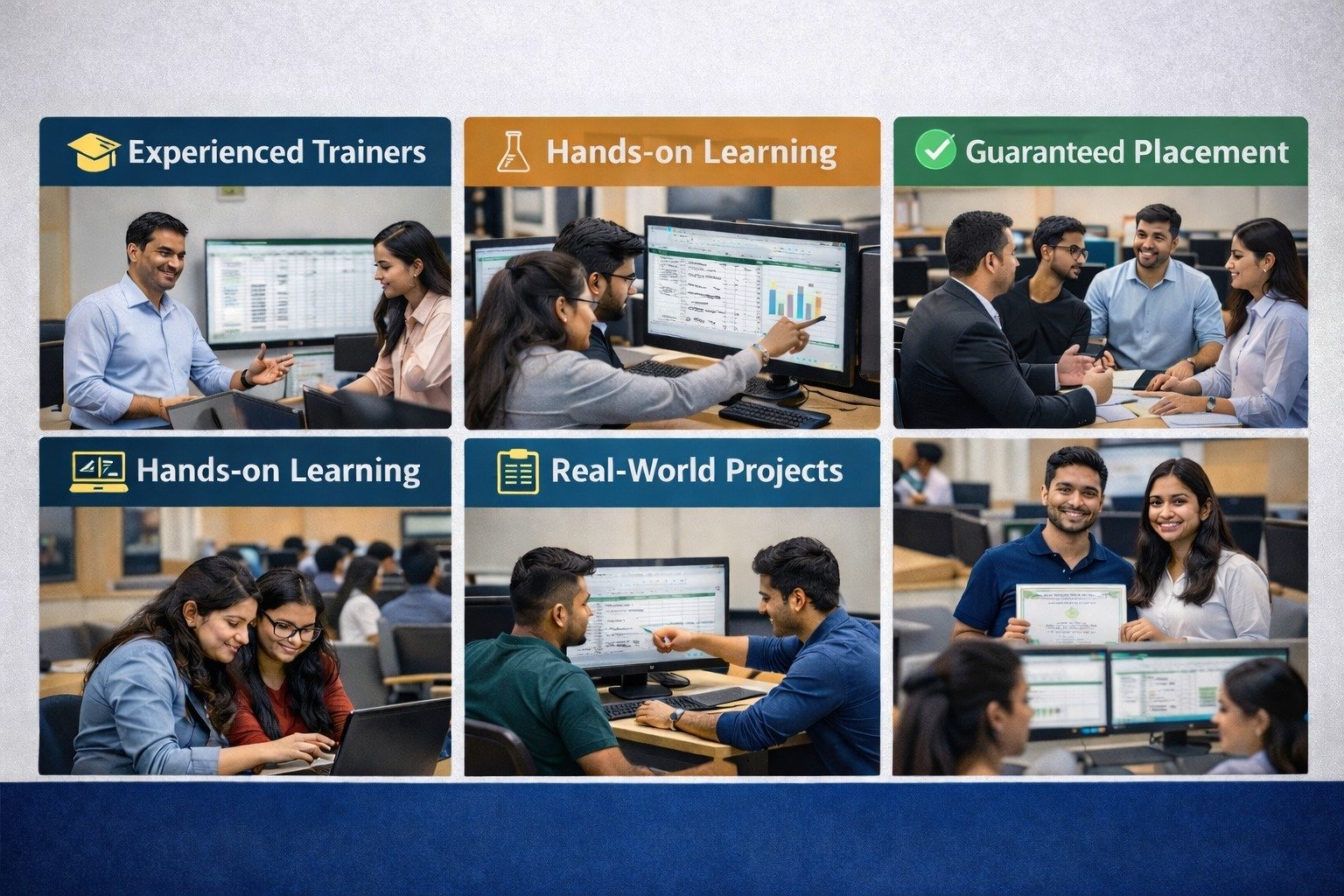
Trainers, Methodology & Placement
At Bits and Bytes Automation, training is delivered by experienced and certified Excel trainers using a systematic teaching methodology. Each batch includes practical lab sessions, live projects, and real business case studies for hands-on learning. We also provide 100% placement assistance with resume support, interview guidance, and career support.
Why Choose Bits and Bytes Automation for Advanced Excel Training in Noida?
1.Expert Trainers: From our Course, learn from industry professionals who have years of experience with Excel and data analytic
2.Comprehensive Curriculum: From the ground up concepts all the way up to VBA, macros and data visualization.
3.Practical Learning: The ability to make a practical utilization of the ideas learnt by handling actual projects.
4.Flexible Timings: For each course, there are convenient batch options so that you can learn at your own convenient time – weekdays or weekends.
5.Affordable Fees: Affordable yet deliver quality and effective training for our competitors.
6.Certification: On the completion of the course, you can take a recognized certification to have a better chance of employment.
What do you learn?
Our Advance Excel Course is meant to make you an expert in:Advanced Excel Formulas and Functions:Learn the best practices with INDEX MATCH, the secret power of VLOOKUP, utilize IFERROR and much more.
Data Management:Therefore, learn how to clean data, sort it and filter it much better.
Dynamic Reporting:Flexibly built-in pivot tables and pivot charts for analysis of dynamic data.
Data Analysis Tools:To go further with the analysis use Solver, Analysis ToolPak, and Power Query.
Automation: To go further with the analysis use Solver, Analysis ToolPak, and Power Query.
Enhanced Data Handling: Power Pivot should be used for handling and analyzing large data.
Who Should Attend?
Data Analytics:You will be able to improve the choices and the analysis you make in your business endeavors.
Business Experts:Solving Organizational Challenges Through Automation of Overwhelming procedures.
Students and Graduates:Built a solid foundation depending exclusively on facts.
Entrepreneurs:Get Better at Strategic Choices with these Top Excel Functions.
Advantages of learning under Bits and Bytes Automation for a student.
Productivity Increase:There is always a need to cut cost, therefore automating such tasks will help reduce time required in such repetitive tasks.
Experience in Career Opportunitie:A high level of Excel skill is rather useful in finance, marketing, and IT companies.
Awarded Global Certification:A globally established hall mark of your proficiency in your specific field of work.
Other special features of our course:
Lifetime Access:Entire transcriptions and materials that can be accessed always for further learning and reinforcement.
Support after Course:Benefit from learning and outsourcing the whole process of personal and professional growth by receiving lifetime mentoring and coaching from our experienced lecturers.
Interactive Learning:Do live projects and assignments in order to have practical feel.
Flexible Scheduling:You can choose between the weekday batch and the weekend batch to fit your schedule.
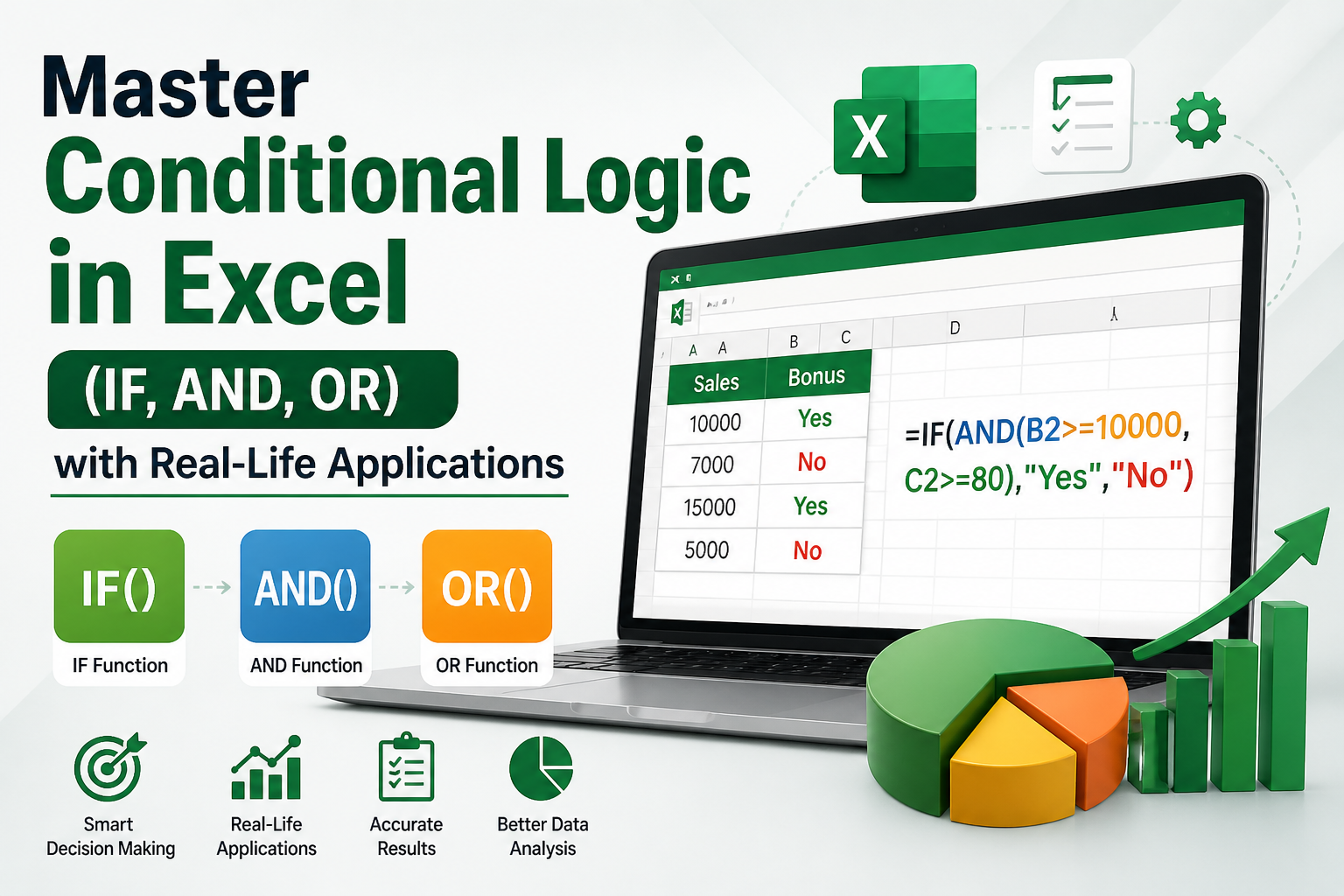
Master Conditional Logic in Excel (IF, AND, OR)
What You Will Learn:
● Understand the concept of logical conditions (TRUE / FALSE) in Excel
● Use IF function for basic and advanced decision-making formulas
● Apply multiple conditions using AND & OR functions
● Create Nested IF formulas for complex scenarios
● Use IFS function for handling multiple conditions
● Perform error handling using IFERROR function
● Apply Conditional Formatting to highlight data automatically
● Create smart reports and dashboards using conditions
● Implement data validation with conditions (dropdown & restrictions)
Master Advanced Pivot Tables in Excel for Data Analysis
● Create and customize Pivot Tables from large datasets
● Apply advanced filtering, sorting, and grouping
● Use calculated fields for smart data analysis
● Build Pivot Charts and interactive dashboards
● Analyze real business data for reports and insights
Master What-If Analysis in Excel for Smart Decision Making
● Understand What-If Analysis for forecasting and decision making
● Use Goal Seek to find desired results by changing inputs
● Apply Data Tables for single and multiple variable analysis
● Use Scenario Manager to compare different business situations
● Analyze real-life data for planning and prediction
Use Goal Seek to find required input values for a desired result
● Understand the concept of Goal Seek in Excel
● Set a target value and find the required input
● Perform calculations for profit, sales, and targets
● Apply Goal Seek in real-life business scenarios
● Solve practical problems using Goal Seek
Data Table
● Understand Data Table for analyzing multiple inputs
● Create one-variable and two-variable data tables
● Perform quick calculations for different scenarios
● Use Data Tables for forecasting and comparison
● Apply in real-life business analysis
Pivot Table
● Create Pivot Tables from large datasets
● Summarize and analyze data quickly
● Apply filtering, sorting, and grouping
● Build Pivot Charts for visualization
● Generate reports for business insights
Roster Management in Excel
Roster management in Excel helps you efficiently plan and organize employee shifts, working hours, and schedules. In this module, you will learn how to create automated rosters, manage attendance, and avoid scheduling conflicts using formulas and functions. It also covers real-time scenarios like shift planning, weekly schedules, and workforce management, making it useful for HR and business operations.
Knowledge of Advanced Excel Formulas
● Learn basic to advanced Excel formulas
● Use logical functions like IF, AND, OR
● Apply lookup formulas (VLOOKUP, HLOOKUP, XLOOKUP)
● Use mathematical functions for calculations
● Work with Power Query for data cleaning and transformation
● Perform data calculations and automation
● Handle real-life business data efficiently
⏱️ Course Duration & Schedule
| Details | Information |
|---|---|
| Total Duration | 2 to 3 Months |
| Class Duration | 1 Hour per Day |
| Days | 5 Days a Week |
| Batch Timing | Flexible Timings Available |
| Weekend Batch | Available |
Advanced Excel Course Syllabus – What You Will Learn During Training
Excel Basics & Formatting
Formulas & Functions
Charts & Graphs
Data Validation
VLOOKUP, HLOOKUP & XLOOKUP
Pivot Tables & Pivot Charts
Conditional Formatting
Data Analysis Tools
Data Cleaning & Data Management
Advanced Excel Shortcuts
Interactive Dashboards
Excel Automation
Date & Time Functions
Logical Functions
MIS Reporting
Real-Time Industry Projects
Frequently Asked Questions About the Best Advanced Excel Course in Noida with 100% Job Support
1. Why should students join your Advanced Excel Course in Noida?
Our Advanced Excel Course in Noida is designed for students, freshers, working professionals, accountants, MIS executives, and data analysts who want to improve their Excel skills for better career opportunities. The training includes practical assignments, real-time projects, interview preparation, certification guidance, and 100% Job Support.
2. Do you provide Online and Offline Advanced Excel Training?
Yes, we provide both Online and Offline Advanced Excel Training in Noida. Students can attend classroom sessions at our institute or join live instructor-led online classes from anywhere in India. Both training modes include hands-on practice, project work, study materials, and expert trainer support.
3. What topics are covered in the Advanced Excel Training Course?
Our Advanced Excel Training covers Excel Formulas, Functions, VLOOKUP, HLOOKUP, XLOOKUP, Pivot Tables, Pivot Charts, Conditional Formatting, Data Validation, Dashboards, MIS Reporting, Data Analysis, Excel Automation, Data Cleaning, Lookup Functions, and real-world reporting projects used by companies across industries.
4. Is this Advanced Excel Course suitable for beginners, college students, and freshers?
Absolutely. Our Advanced Excel Course starts from the fundamentals and gradually progresses to advanced reporting, dashboard creation, and data analysis concepts. It is ideal for B.Com, BBA, MBA, BCA, MCA, B.Tech students, job seekers, freshers, and working professionals looking to enhance their analytical skills.
5. Do you provide certification, placement assistance, and 100% Job Support after Advanced Excel Training?
Yes. Students receive course completion certification, resume-building support, interview preparation, mock interview sessions, placement assistance, and 100% Job Support. Our training helps learners prepare for roles such as MIS Executive, Data Analyst, Reporting Analyst, Operations Analyst, and Business Analyst.